⚡ Can't find your country or region in our online store? Please contact an Authorized Reseller. ✈️
support@ldomotion.com
LDO Factory-direct shipping from China


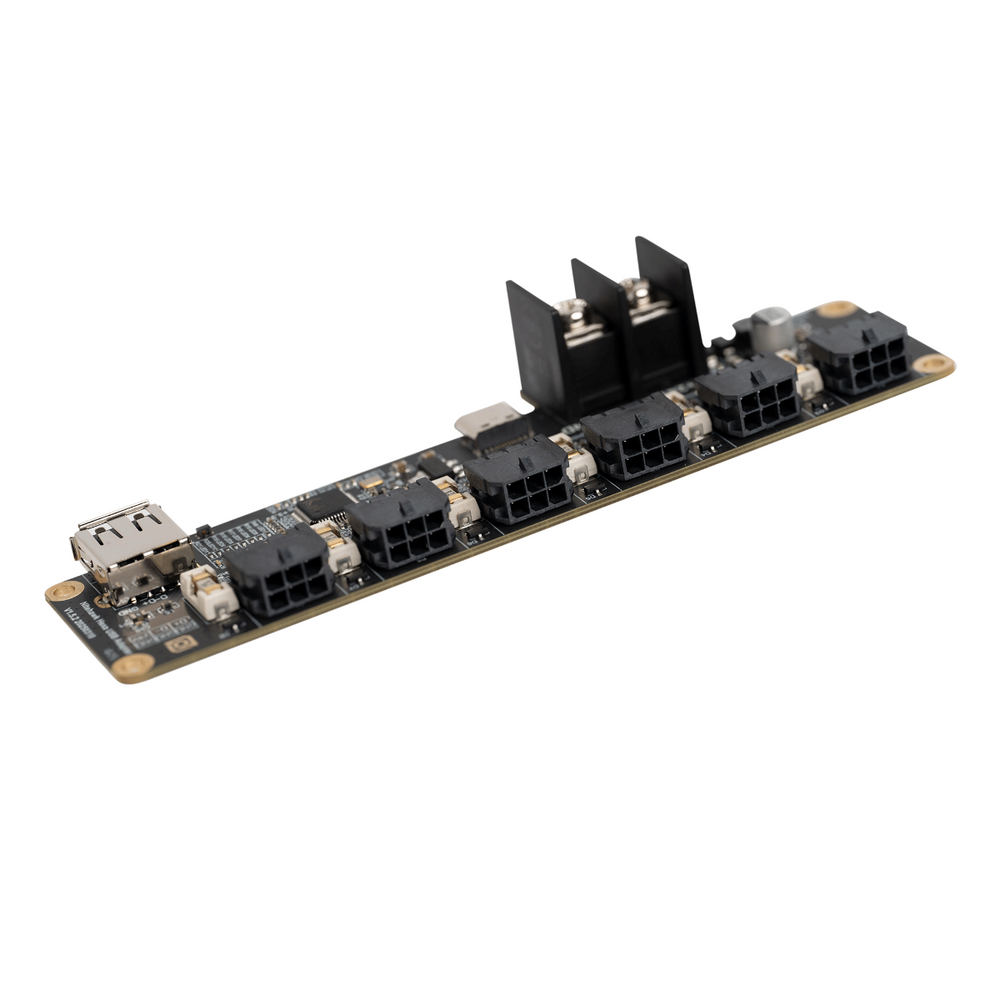
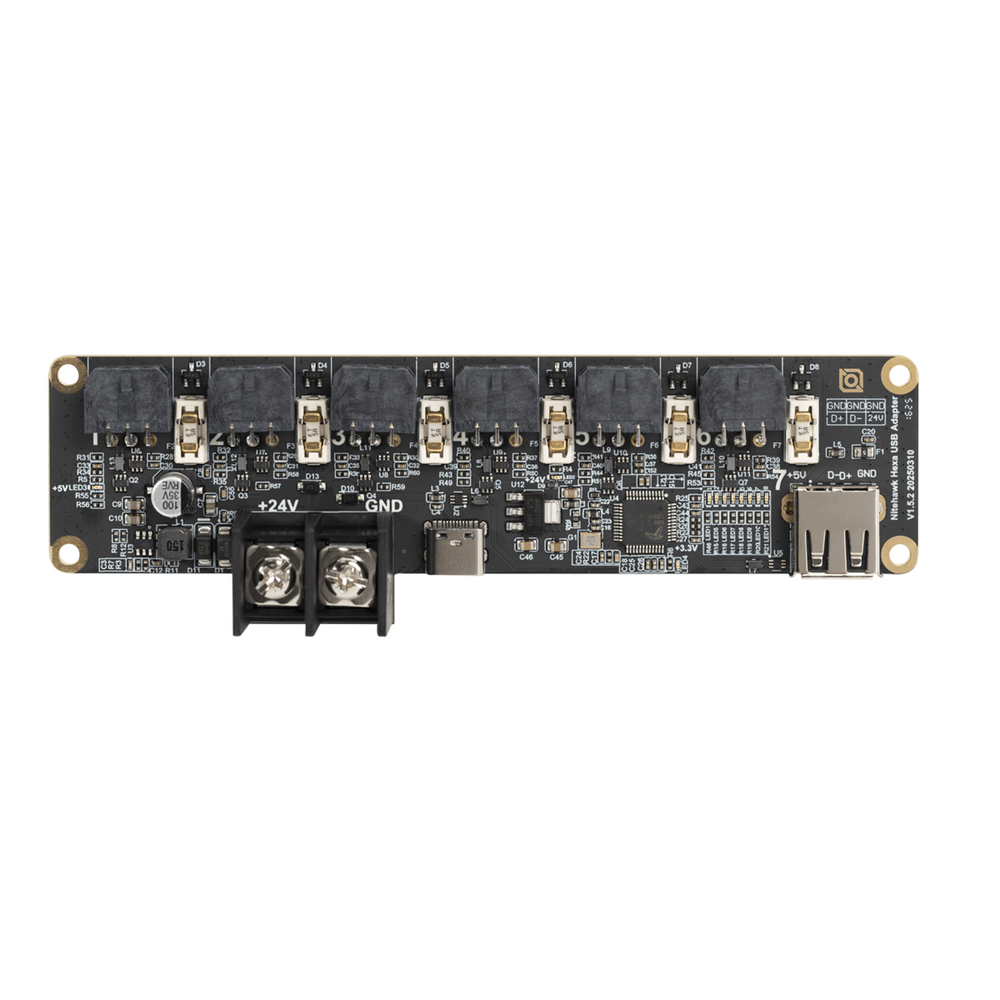
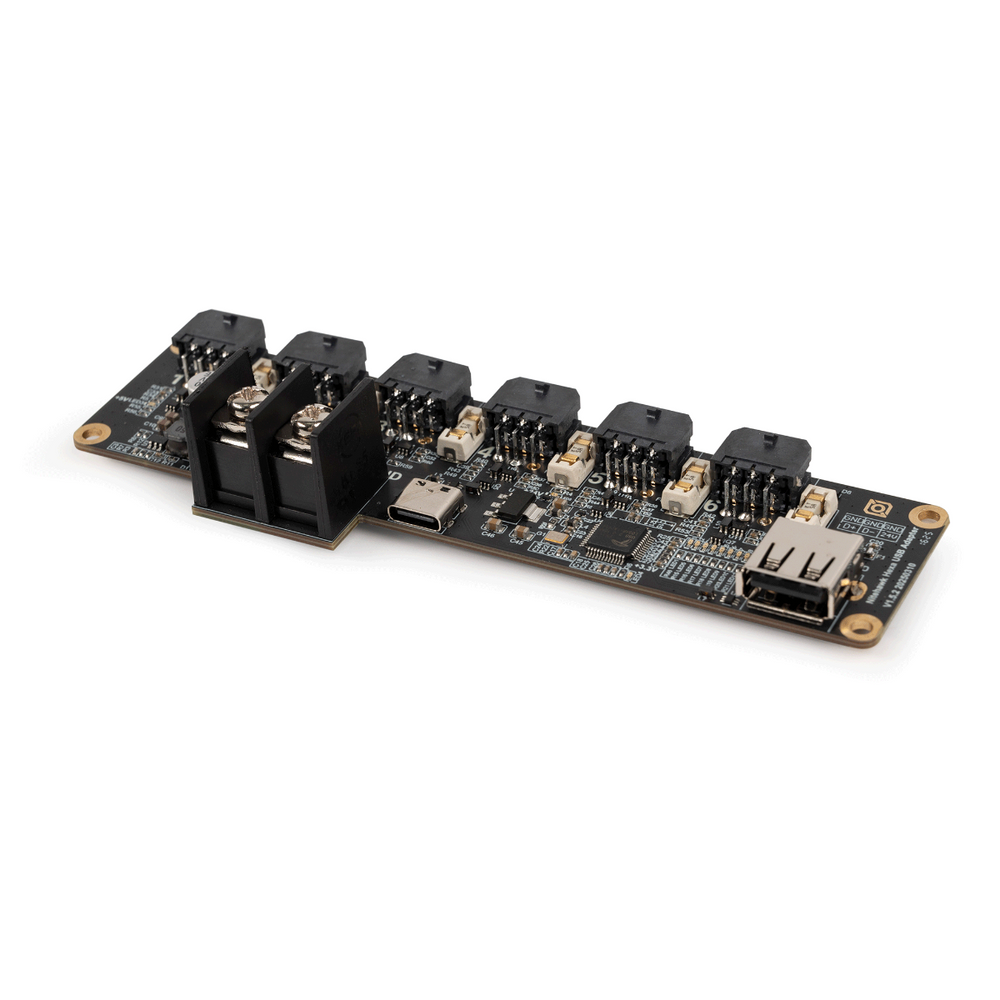
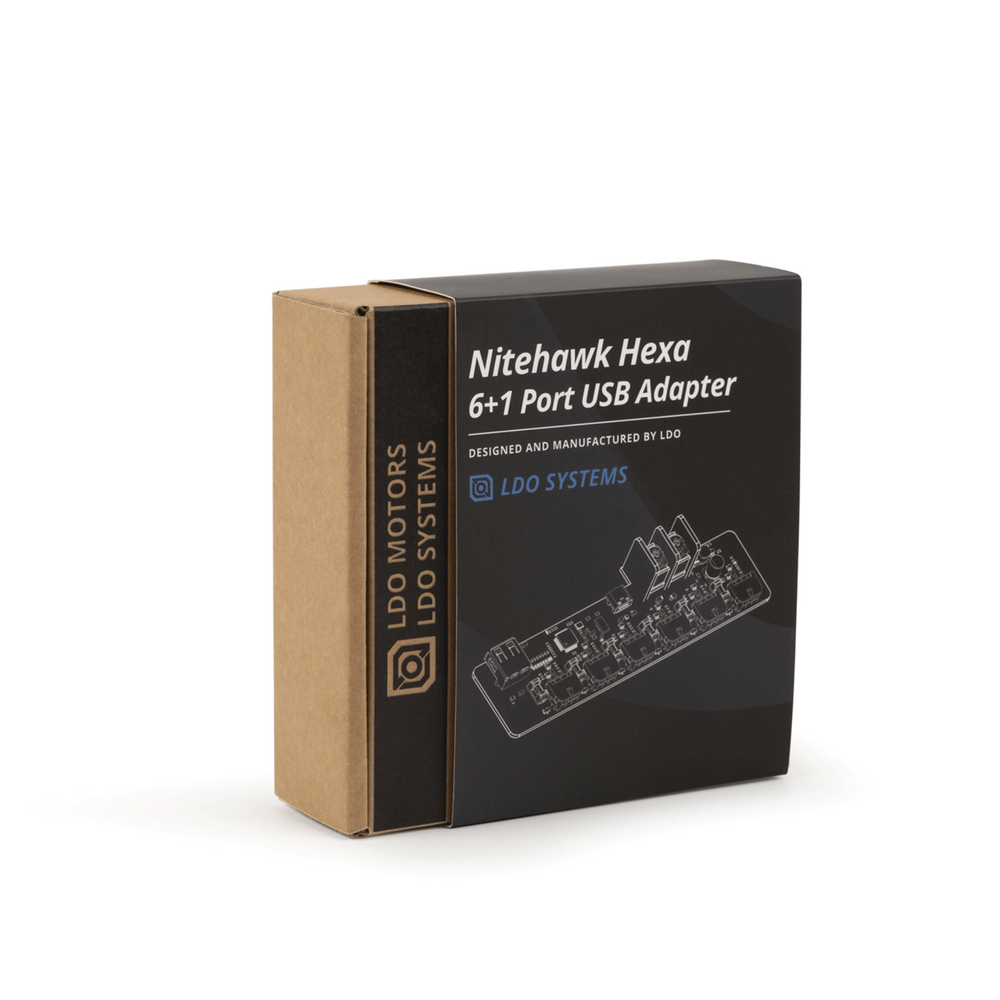
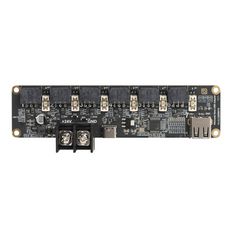
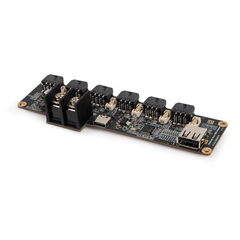
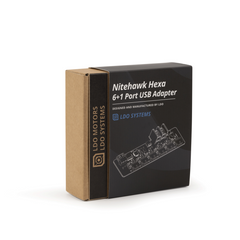
The LDO Nitehawk Hexa is a 6+1 port USB hub and 24V power distribution board built for multi-toolhead 3D printing systems. It centralizes both data and power for multiple toolboards, making complex IDEX and toolchanger setups cleaner to wire, easier to organize, and simpler to maintain over time.
Ships in 8–12 business days
When you place an order, we will estimate shipping and delivery dates for you based on the availability of your items and the shipping options you choose. Depending on the shipping provider you choose, shipping date estimates may appear on the shipping quotes page.
Please also note that the shipping rates for many items we sell are weight-based. The weight of any such item can be found on its detail page. To reflect the policies of the shipping companies we use, all weights will be rounded up to the next full pound.
Duties & VAT are buyer’s responsibility unless DDP is selected Check policy for your region
Compared with traditional multi-cable layouts, the Nitehawk Hexa uses a single 24V power input and one USB-C upstream connection to manage up to six downstream toolboards. It also features an additional USB-A expansion port for connecting common USB devices such as a webcam, flash drive, or other standard peripherals.
· Centralized power and data management for multi-toolhead systems
· Cleaner wiring and a tidier machine layout
· Plug-and-play integration that simplifies setup
· Ideal for advanced IDEX and toolchanger builds
· Built for reliability, expandability, and easy maintenance
The Nitehawk Hexa is designed for the USB toolboard ecosystem. The following toolboards are officially verified for full plug-and-play compatibility:
It is especially well-suited to IDEX and toolchanger setups that require centralized power and communication for multiple toolheads.
The Nitehawk Hexa is already integrated into LDO’s multi-toolhead solutions, with well-defined use cases and comprehensive documentation. Official resources—including product manuals, installation guides, and open-source materials—are available to assist with system integration, mounting bracket design, and deployment.
| SPECIFICATIONS | |
| Product Type | 6+1 Port USB Hub & 24V Power Distribution Board |
| Upstream Port | USB-C |
| Downstream Ports | 6 × toolboard ports |
| Auxiliary Port | 1 × USB-A |
| Input Voltage | 22–26V DC |
| Nominal Voltage | 24V |
| Max Board Input Current | 30A |
| Per Port Max Current | 5A |
| USB-A Output Voltage | 5V typical |
| USB-A Max Output Current | 1.5A |
| Protection | Independent fuse protection on each downstream port; data line protection; USB ESD protection on the upstream USB-C port |
| Environment | Recommended ambient temperature up to 55°C; not intended for use inside a heated chamber |
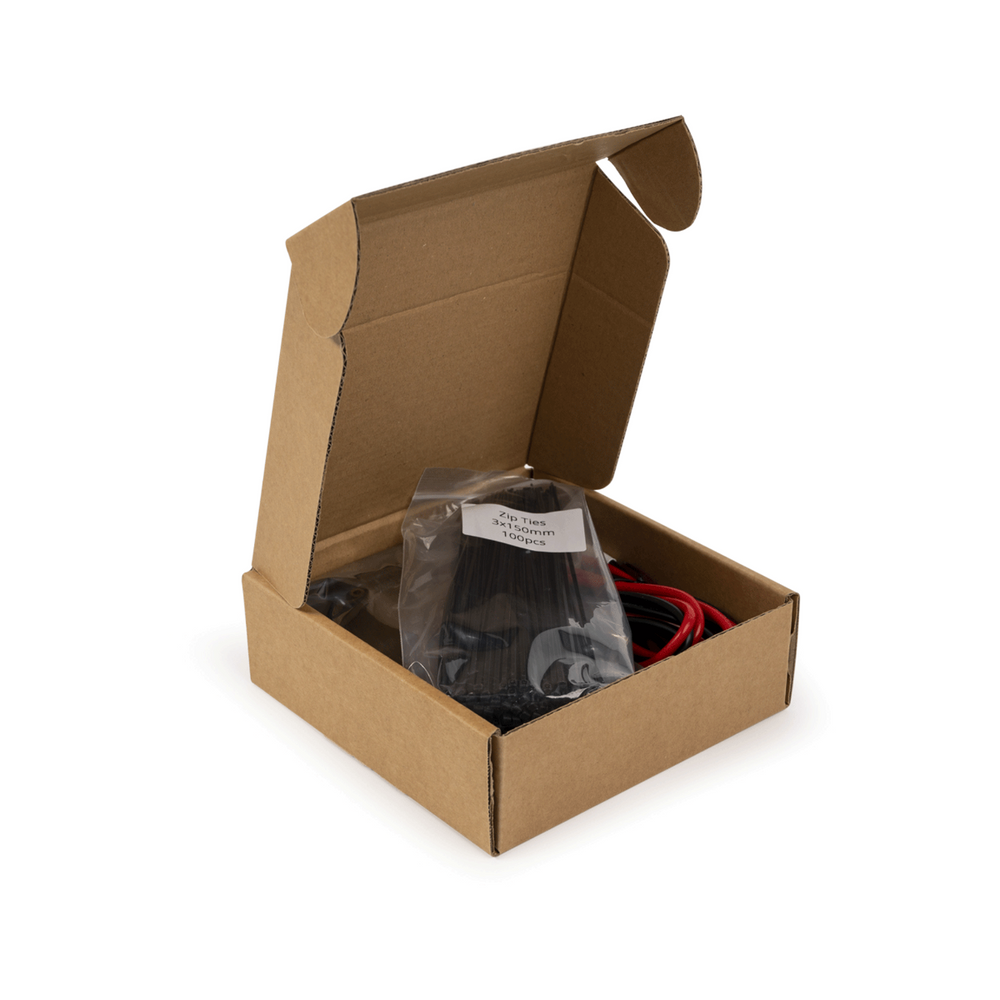
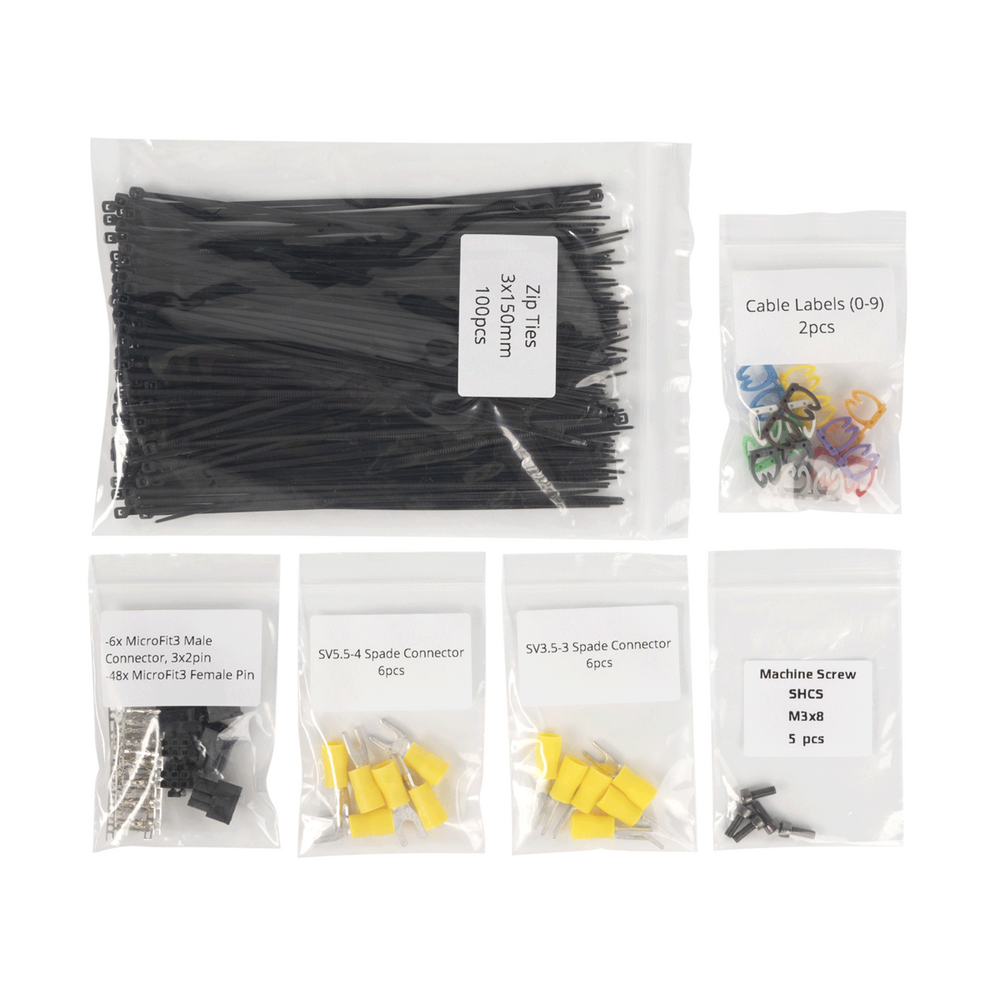
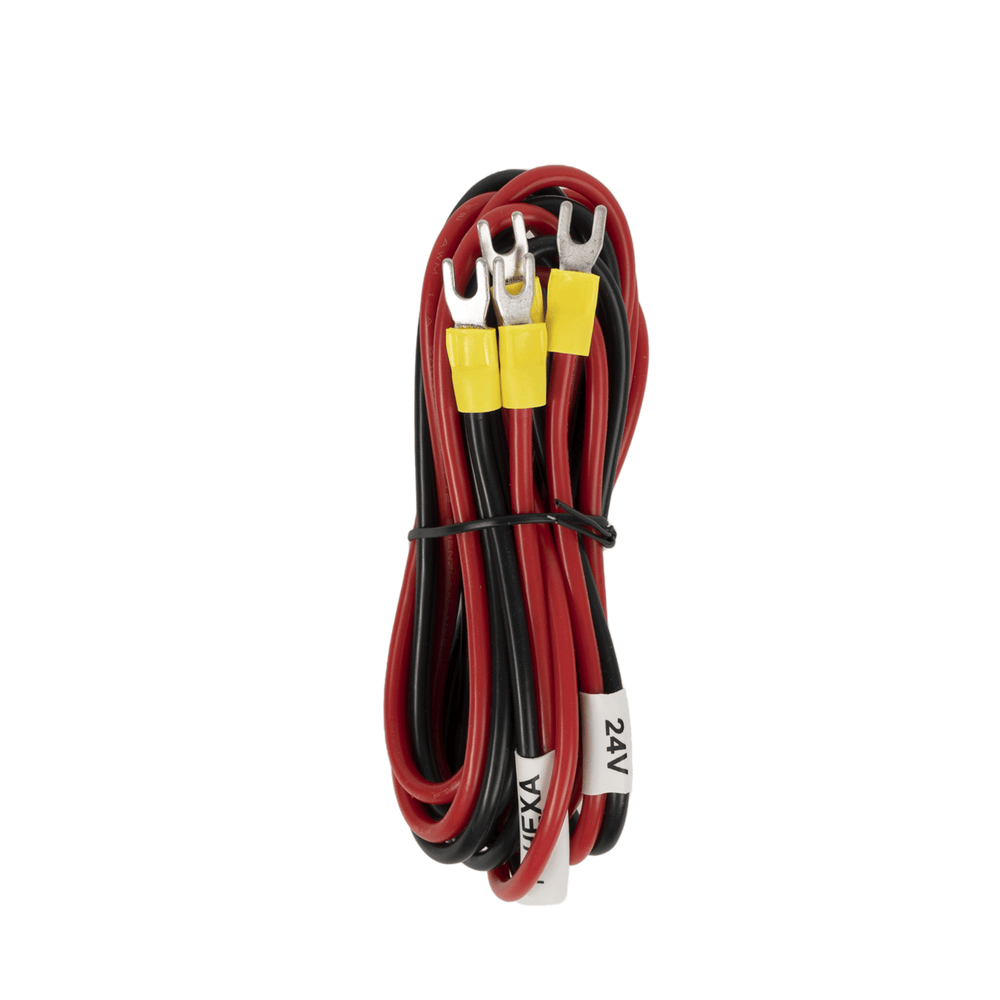
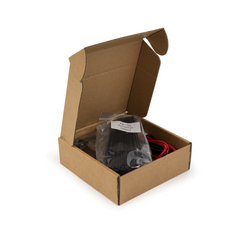
Inside the box, you will find:
· LDO Nitehawk Hexa main board ×1
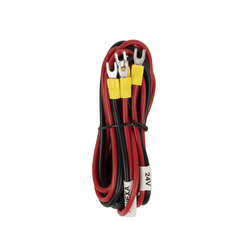
· 24V power cable ×1
Q. What is the Nitehawk Hexa?
A. The Nitehawk Hexa is a USB and power distribution hub designed for multi-USB toolboard systems. It is not a toolhead control board itself, but rather a central hub that manages power and data for multiple toolboards.
Q. How many toolboards can it support?
A. It supports up to 6 downstream toolboard connections, plus one additional USB-A expansion port for peripherals.
Q. Is it plug-and-play?
A. Yes—when used with officially supported toolboards, it is designed for straightforward plug‑and‑play integration.
Q. Which toolboards are officially supported?
A. The following toolboards are fully verified for compatibility: Nitehawk-SB, Nitehawk-36, Orbitool 2, and Orbitool 3.
Q. Can I use it with other USB toolboards?
A. It may work with other USB toolboards in theory, but you must carefully verify that the pinout and wiring definitions match exactly before use.
Q. What power supply does it need?
A. The Nitehawk Hexa requires a 24V input. When choosing a power supply, make sure it can handle the total load of all connected toolheads.
Q. Can it be installed inside a heated chamber?
A. No—it is not recommended for use inside a heated chamber or other high‑temperature enclosed environments.
Q. What can I use the USB-A port for?
A. The USB‑A port can be used to connect common USB devices such as a webcam, flash drive, or other peripherals.
Thanks for subscribing!
This email has been registered!
| Product | SKU | Description | Collection | Availability | Product type | Other details |
|---|