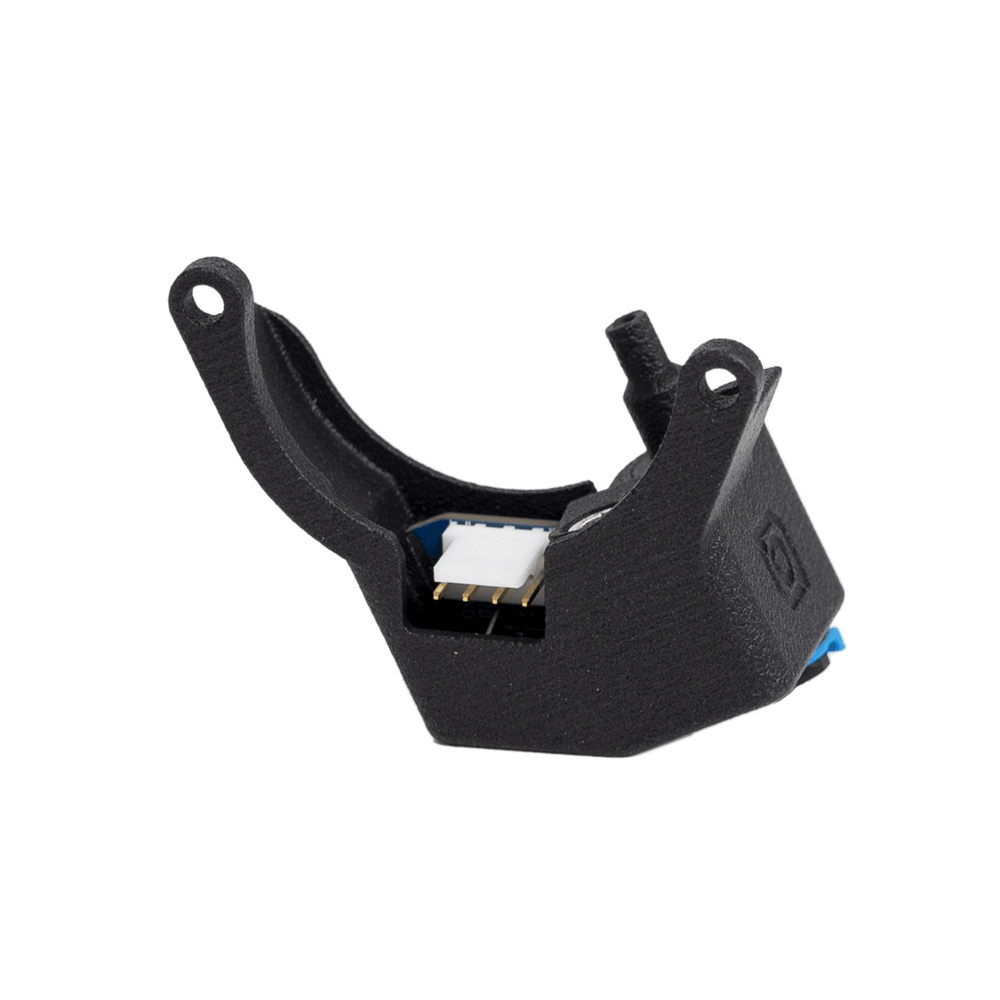
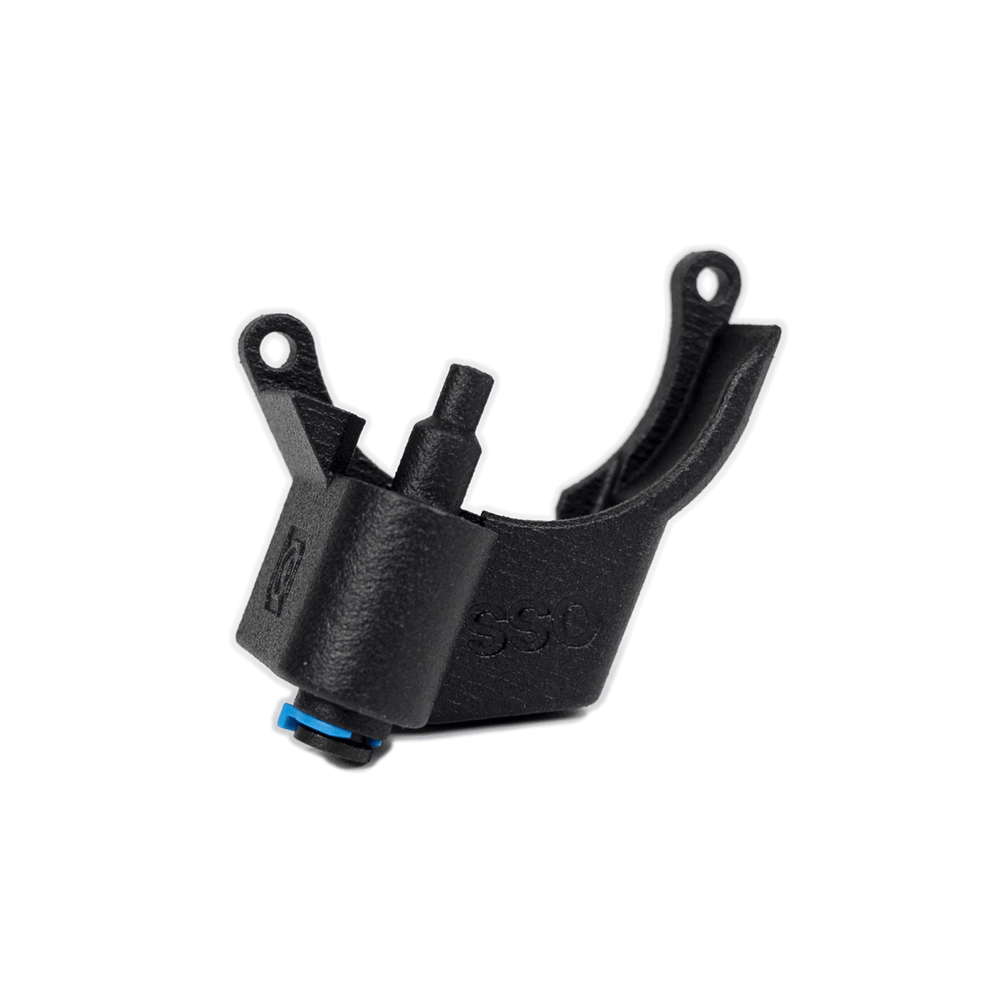
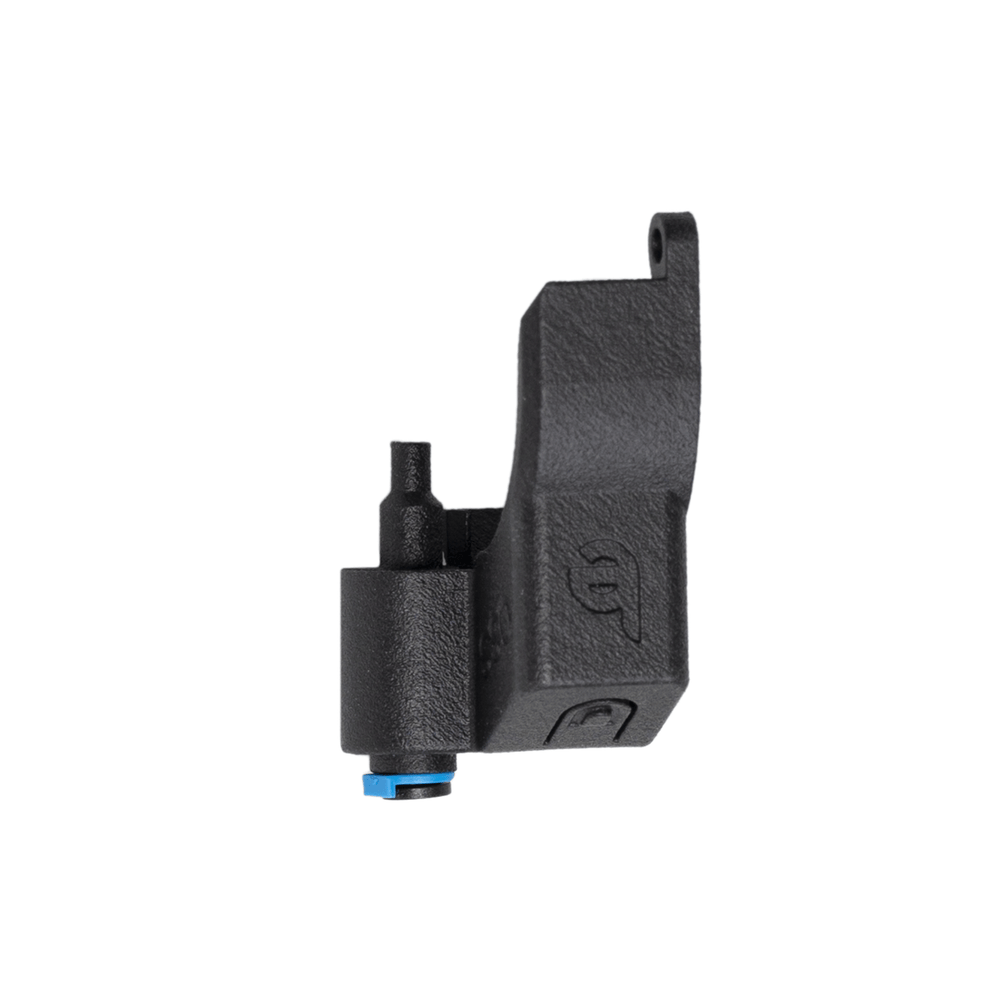
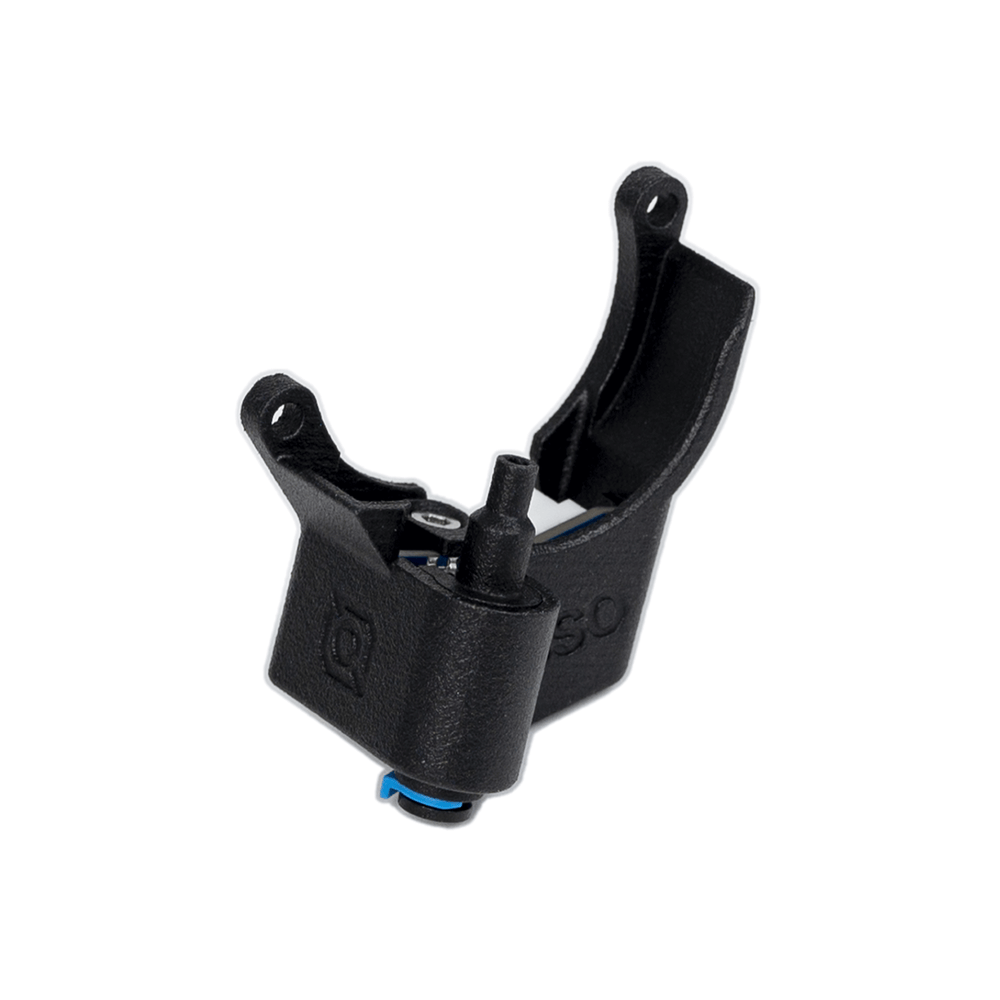
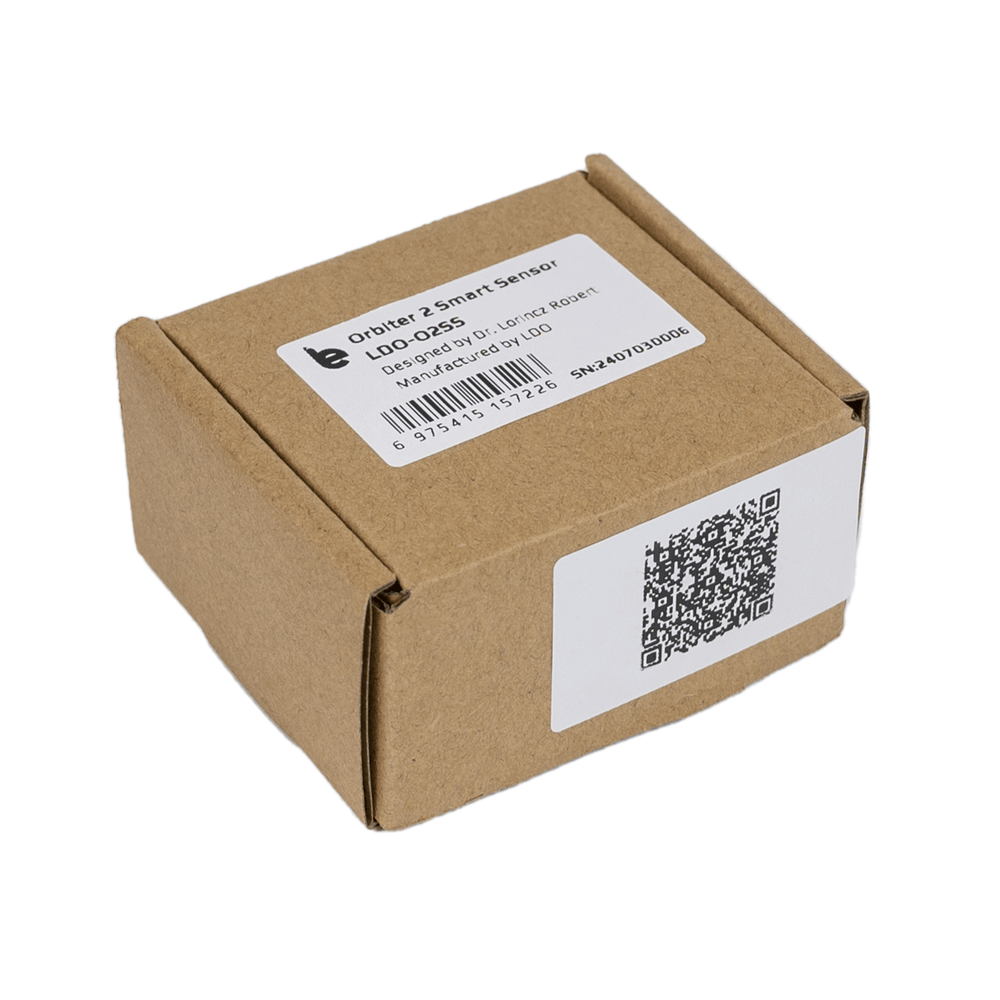
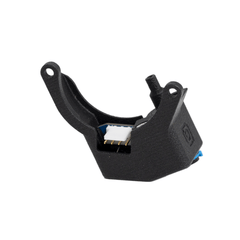
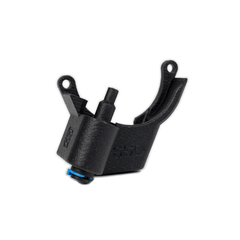
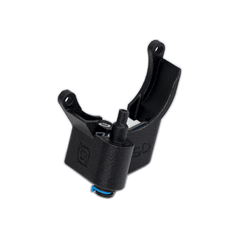
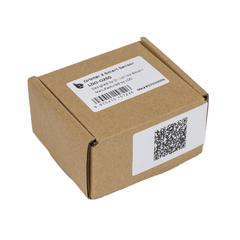
LDO Orbiter 2 Smart Sensor for 3D Printer – Filament Detection, Clog Monitoring & Extrusion Feedback Module

Optimize your 3D printing workflow with the LDO Orbiter 2 Smart Filament Sensor. Designed for the Orbiter V2, it features advanced tangle detection, runout sensing, and one-click unloading to ensure maximum print reliability.

$18.00
$18.00
Subtotal: $18.00

Shipping from China

Ships in 8–12 business days

Duties & Taxes

LDO Orbiter 2 Smart Sensor for 3D Printer – Filament Detection, Clog Monitoring & Extrusion Feedback Module

LDO Orbiter 2 Smart Sensor for 3D Printer – Filament Detection, Clog Monitoring & Extrusion Feedback Module

$18.00

LDO Orbiter 2 Smart Sensor for 3D Printer – Filament Detection, Clog Monitoring & Extrusion Feedback Module

$18.00

Smarter Filament Management. Fail-Proof Printing.

The LDO Orbiter 2 Smart Sensor is a high-performance upgrade precision-engineered for Orbiter V2 extruder. By integrating intelligent sensing with real-time feedback, it eliminates the most common causes of print failure, allowing for a truly "set it and forget it" experience.

  • Intelligent Tangle Detection: Automatically triggers at ~2kg of tension to prevent damage.
  • Seamless Filament Handling: Supports one-click unloading and assisted loading for fast swaps.
  • Integrated MCU: Ensures rock-solid signal stability and precise detection.
  • At-a-Glance Feedback: Multi-color RGB LED provides instant status updates.

Extruder: Orbiter V2.0 / V2.5

Recommended: Orbitool O2S Toolboard (for optimal integration)

Firmware:Fully compatible with Klipper and Marlin

Connectivity: Wired connection required (No wireless support)

Note: Not compatible with MMU (Multi-Material Unit) systems

Sensor Specifications

Model O2SS (Orbiter 2 Smart Sensor)
Input Voltage 3.3V (5V supported)
Interface 4-Pin JST Connector
Detection Features Filament Runout + Tangle Sensing
Tension Threshold ~2 kg
MCU Integrated 8-bit MCU
Connectivity Wired (signal stability optimized)
Firmware Upgrade N/A

Visual Status Indicator (RGB LED)

Keep track of your print status instantly — no need to check your dashboard.

LED Color Status
Solid Red Out of Filament
Solid Green Ready / Loaded
Blinking Blue Unloading in Progress
Blinking Yellow Tangle Detected

Installation

Secure the sensor onto the extruder body using the provided hardware. Ensure the orientation aligns with the filament path. Reinstall the PTFE clip to lock the tubing in place, ensuring smooth, low-friction filament travel.

Wiring

Connect the sensor using the included 4-pin cable:

· GND

· 3.3V (or 5V supported)

· FS (Filament Sense)

· FTU (Tangle / Unload signal)

Firmware Setup(Klipper)

· Import the provided configuration macros and assign the correct MCU pins for the FS and FTU signals.

· Set minimum extrusion temperature ≥180°C for proper macro operation.

Tuning & Best Practices

· Ensure PTFE tubes are cut cleanly and routed with gentle curves. Excessive internal friction can prematurely trigger the tangle sensor.

· Use a high-quality spool holder to ensure smooth, consistent filament rotation.

· For high-resistance or abrasive materials (e.g., Carbon Fiber filled, TPU), the natural resistance may trigger the sensor. You may need to disable tangle detection or adjust sensitivity settings for these specific filaments.

· Periodically check the sensor path for filament dust or debris to maintain high detection accuracy.

Official documentation: O2SS

What’s Included

· Sensor PCB ×1

· Housing ×1

· Light diffuser ×1

· Steel balls ×2

· Screws & washers

· 4-pin cable ×1

FAQ

Q: Does the sensor require an external battery?
A: No. It is powered directly from your’ s mainboard or toolboard via the included 4-pin cable.

Q: Which firmware is supported?
A: Klipper is natively supported. Marlin can be configured manually.

Q: Can it trigger false tangle detection?
A: Yes, in high-friction setups or with tight filament paths.

Q: Is the onboard MCU firmware user-upgradable??
A: No. The 8-bit MCU comes pre-programmed with optimized logic from the factory and is not designed for user firmware updates.

Q: Is it compatible with Bowden setups?
A: No. The Orbiter 2 Smart Sensor is specifically optimized for Direct Drive systems (such as the Orbiter V2). It is not recommended for use in Bowden configurations, as the increased distance and friction may affect sensing accuracy.

Related Products